
Picture
1K for 2 credits or 2K for 4. It's ready in about a minute. Download a PNG, or a side-by-side image with the original drawing on the left.
Kids drawing to life AI
Snap a photo of your kid's drawing and see a real-looking version of it. This kids drawing to life tool makes a picture in about a minute, or a short video where the creature moves. It keeps what your kid drew, so a three-eyed monster stays three-eyed.
Real kids' drawings come to life, step by step.
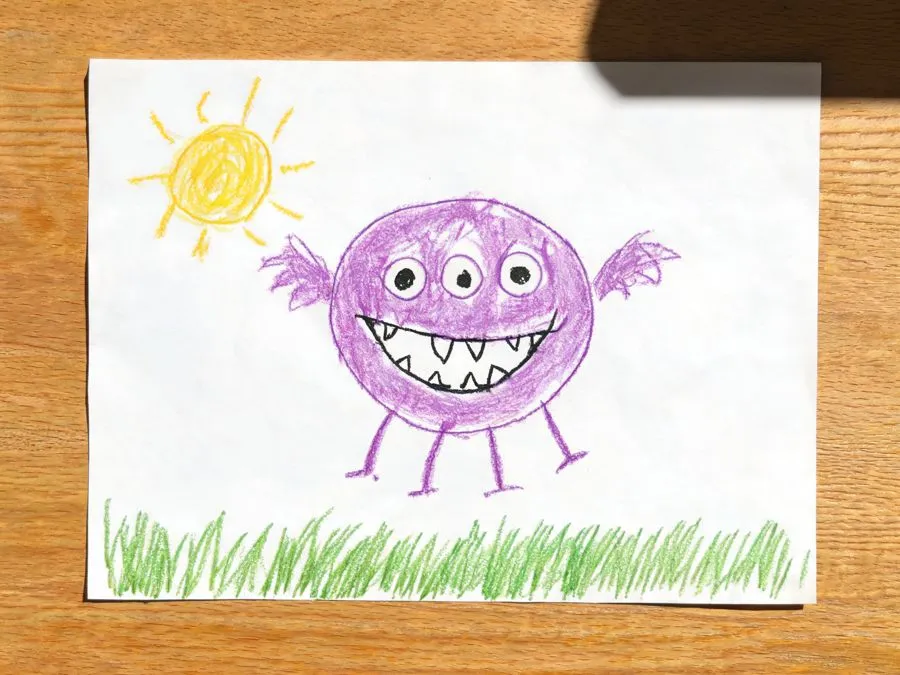
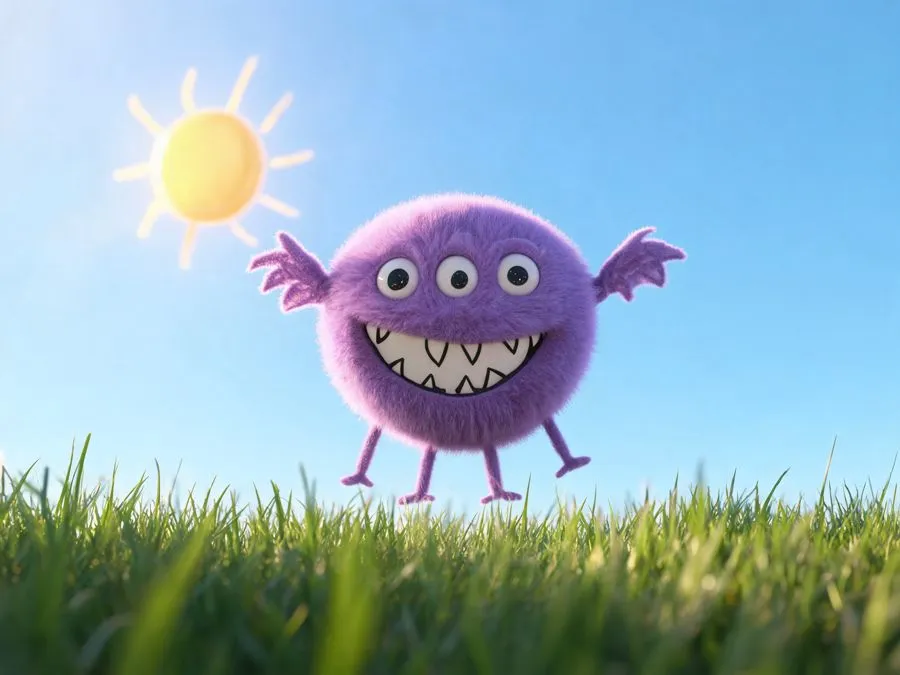
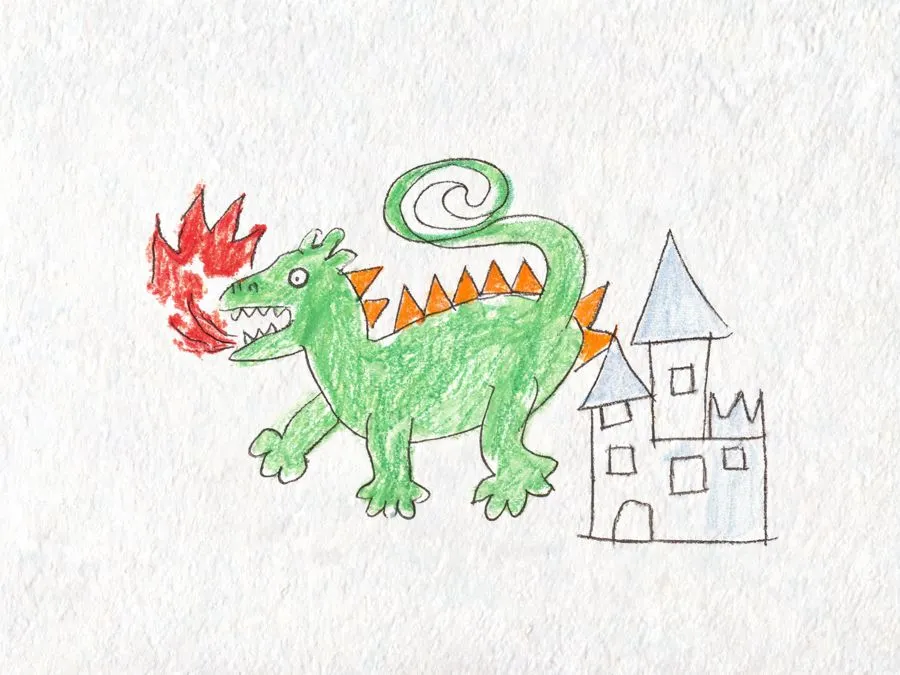
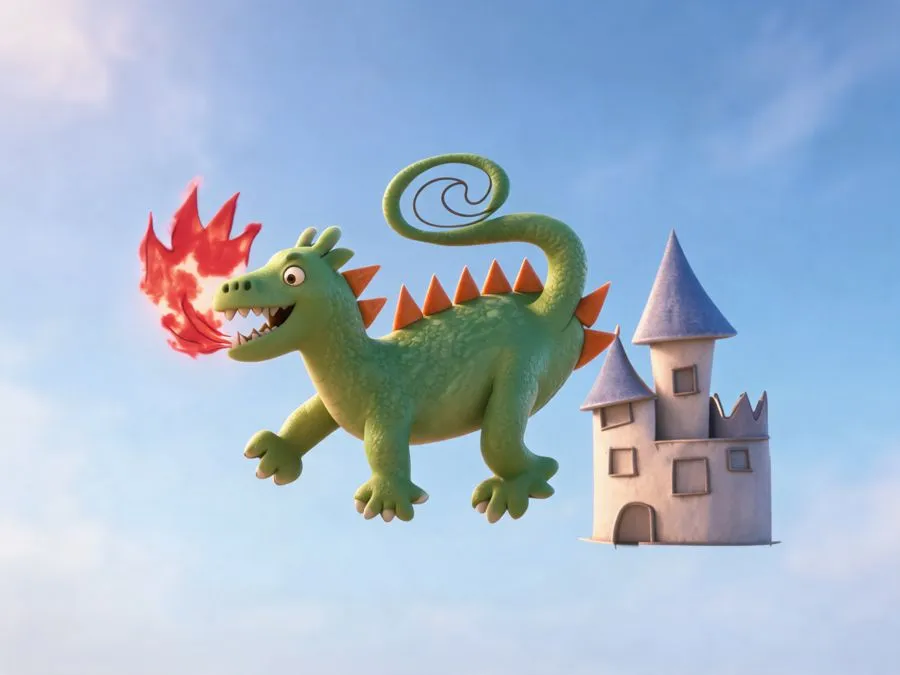
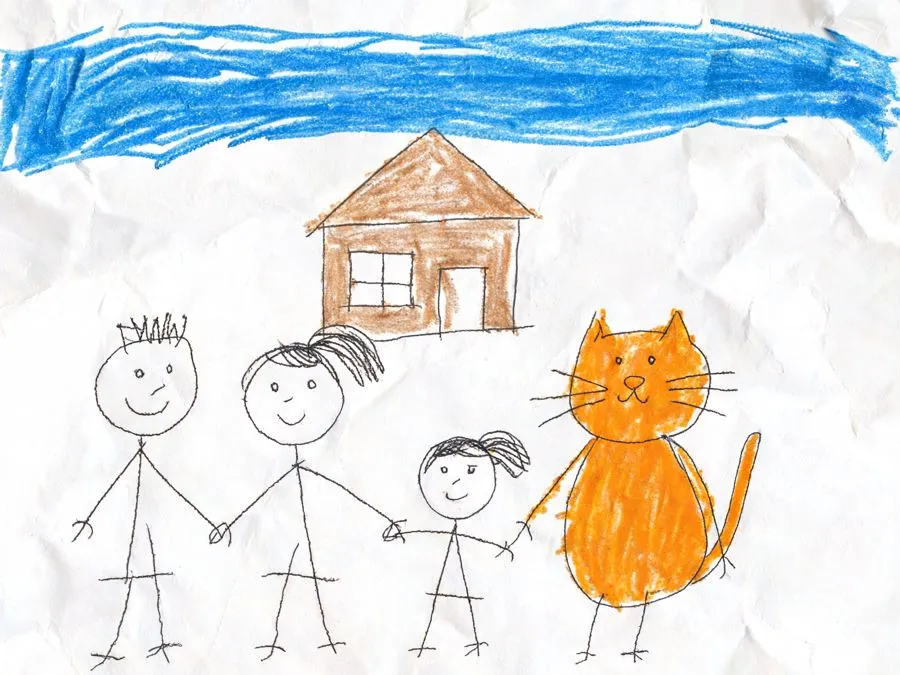
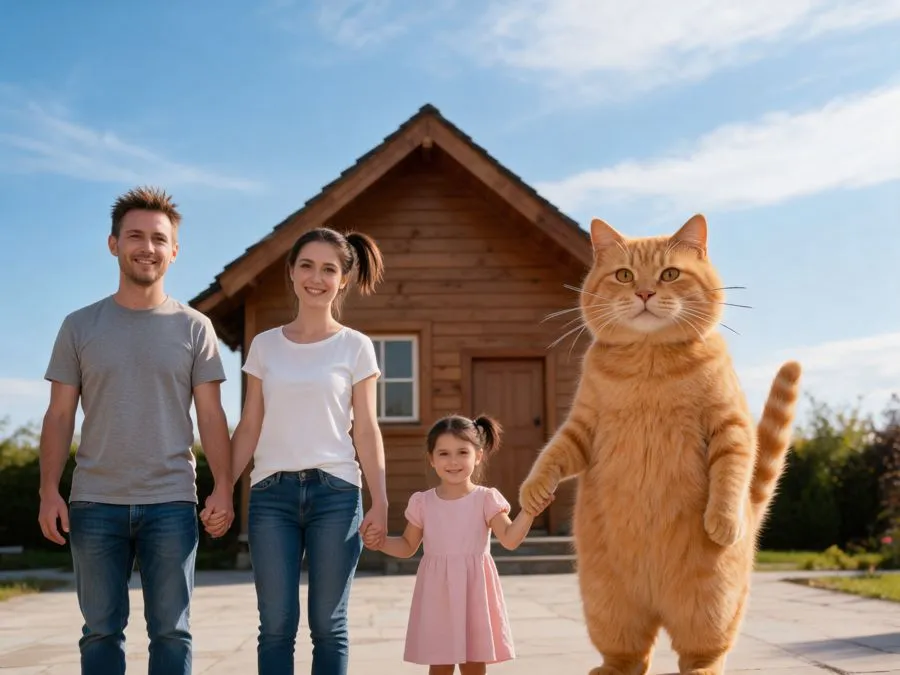
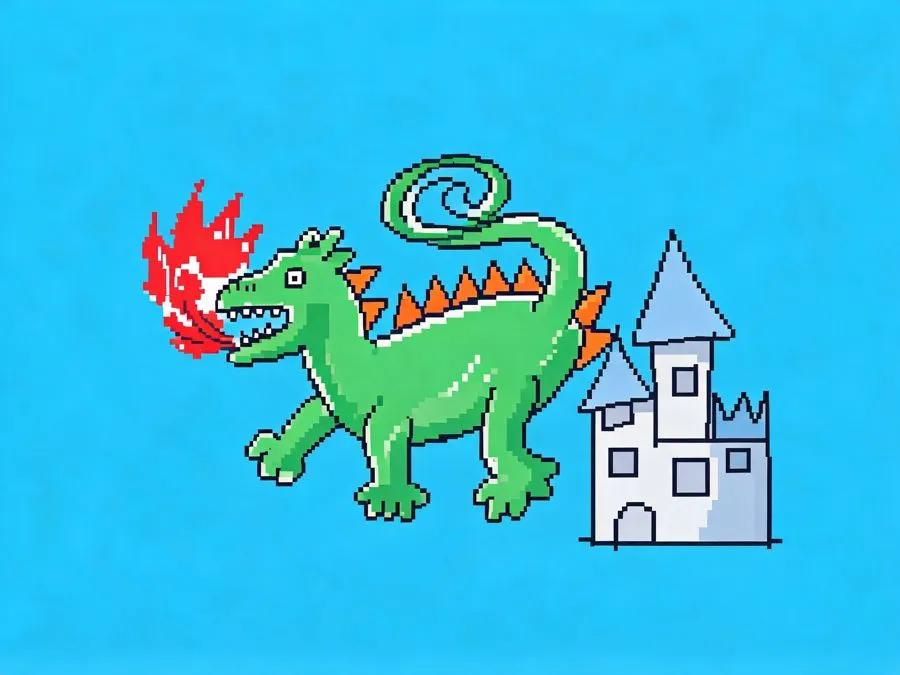
If kids' drawings were real, they might look like the row below. The AI makes a picture first. If you picked video, that picture becomes the first frame and the creature starts to move.
Each style changes what the drawing seems to be made of. The characters, colors and layout stay the same.
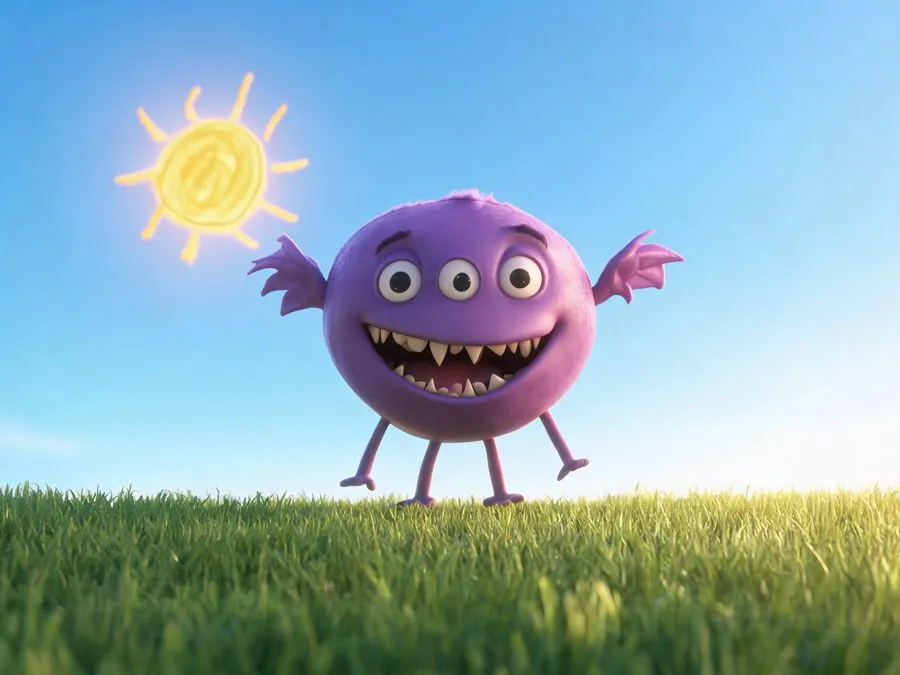
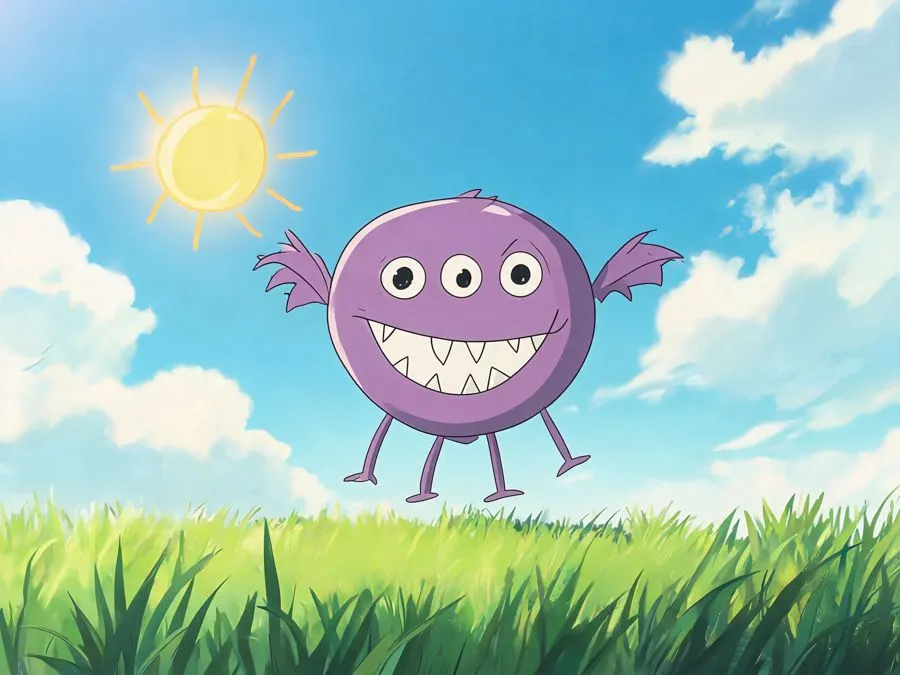
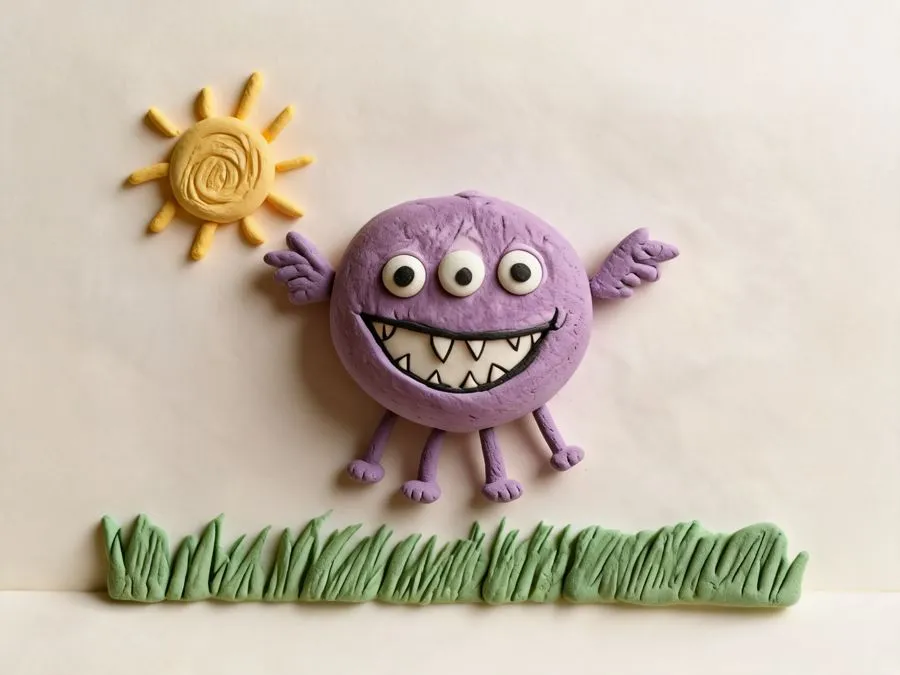
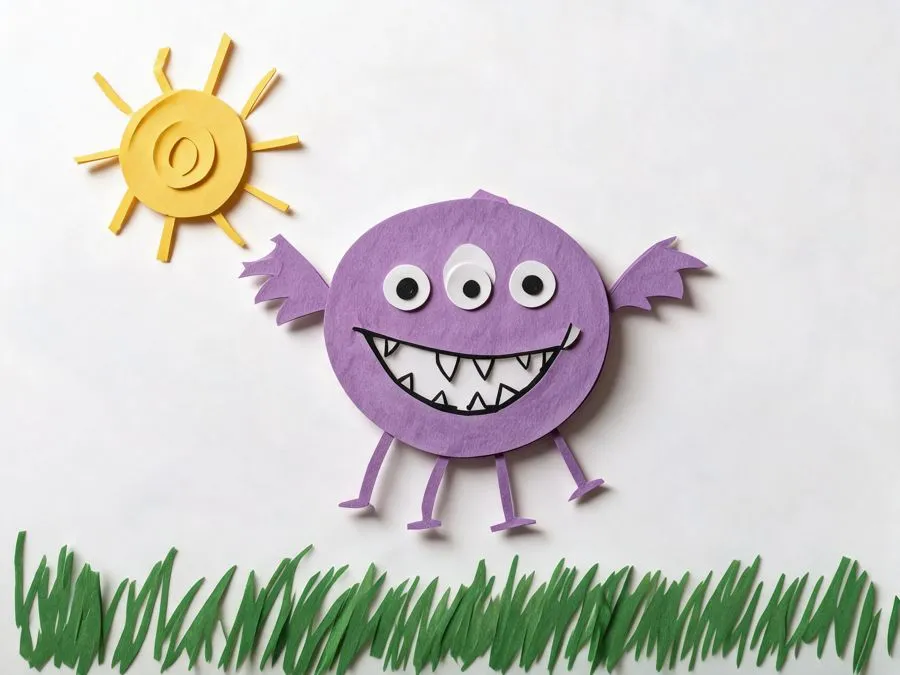
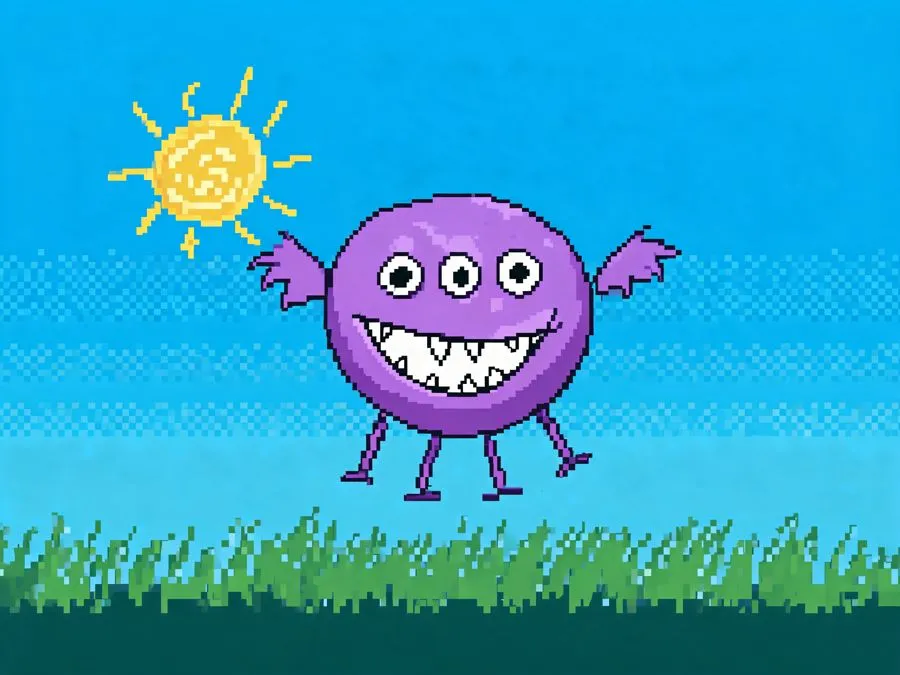
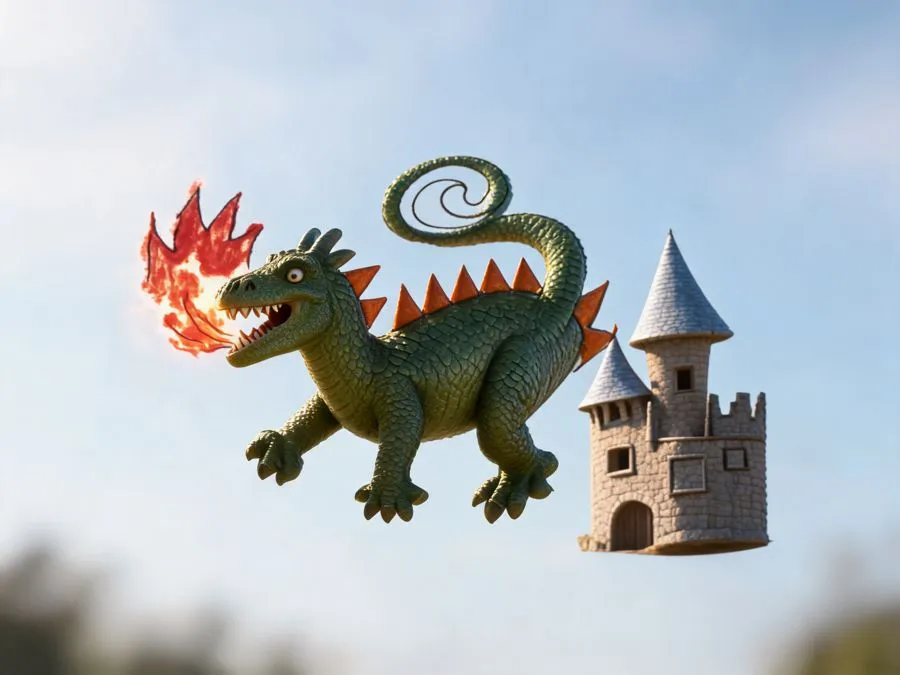
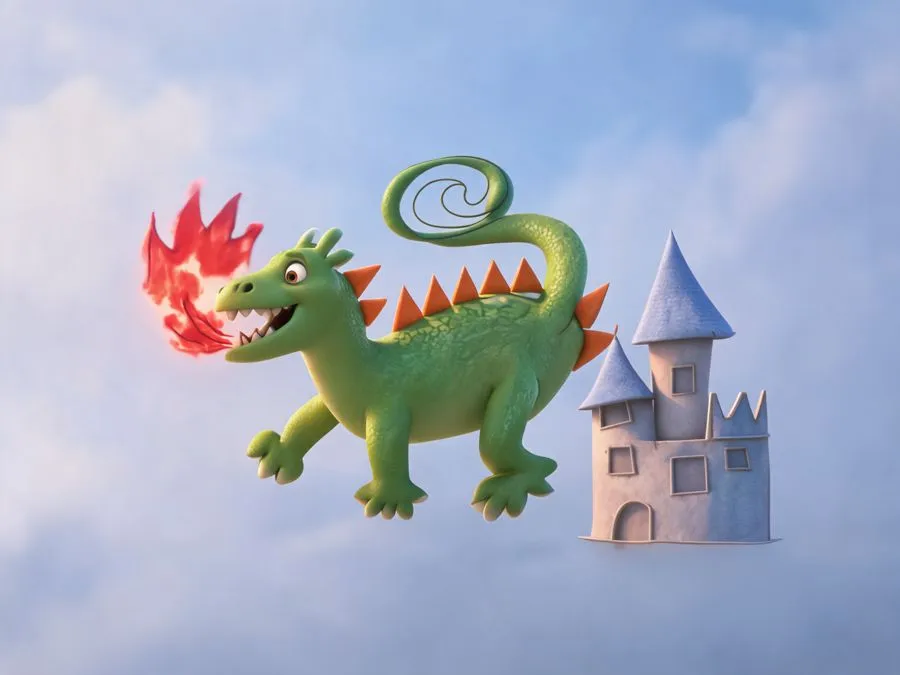
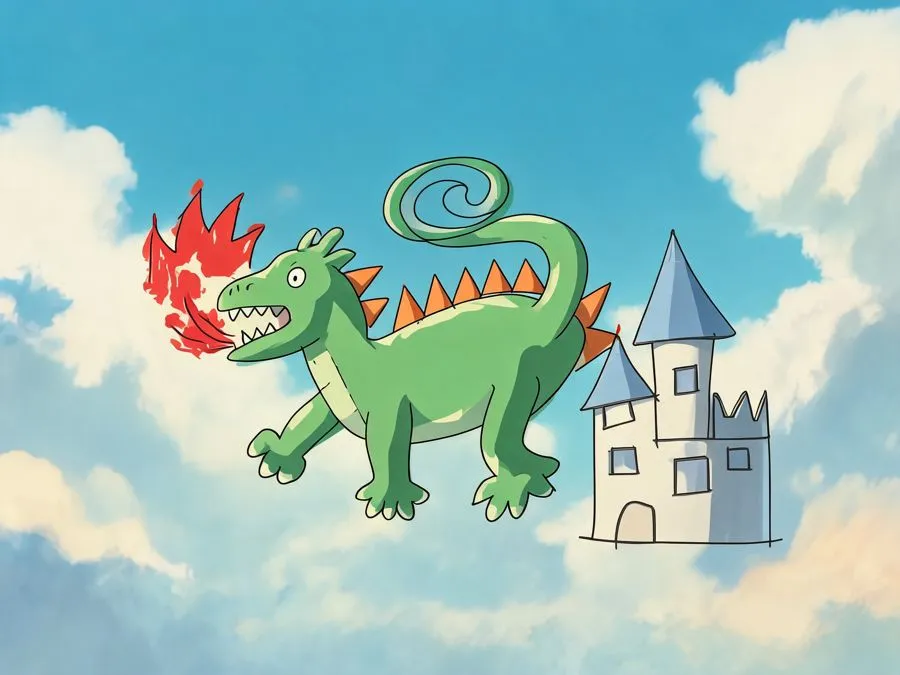
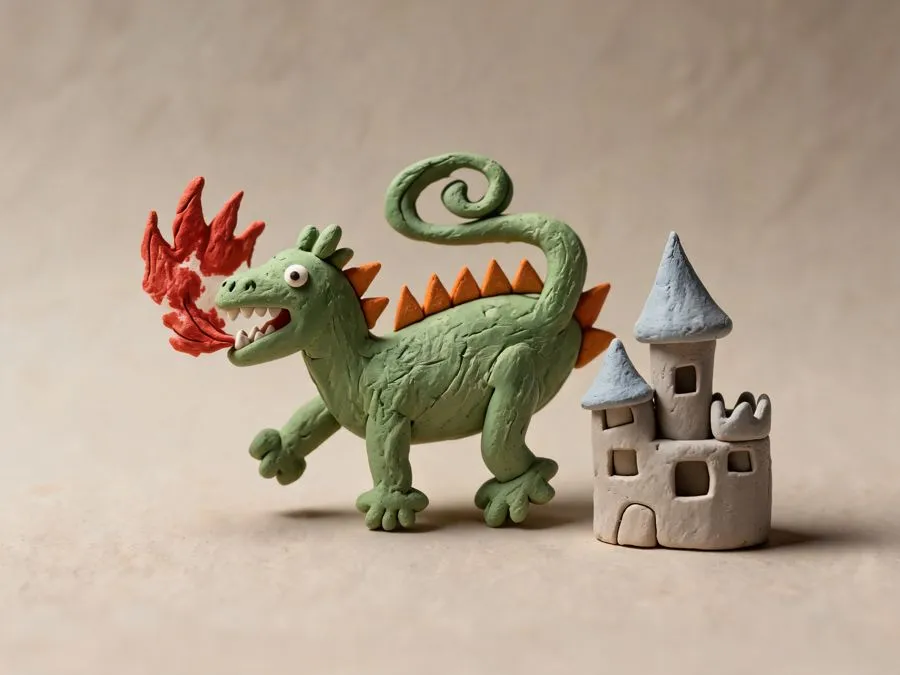
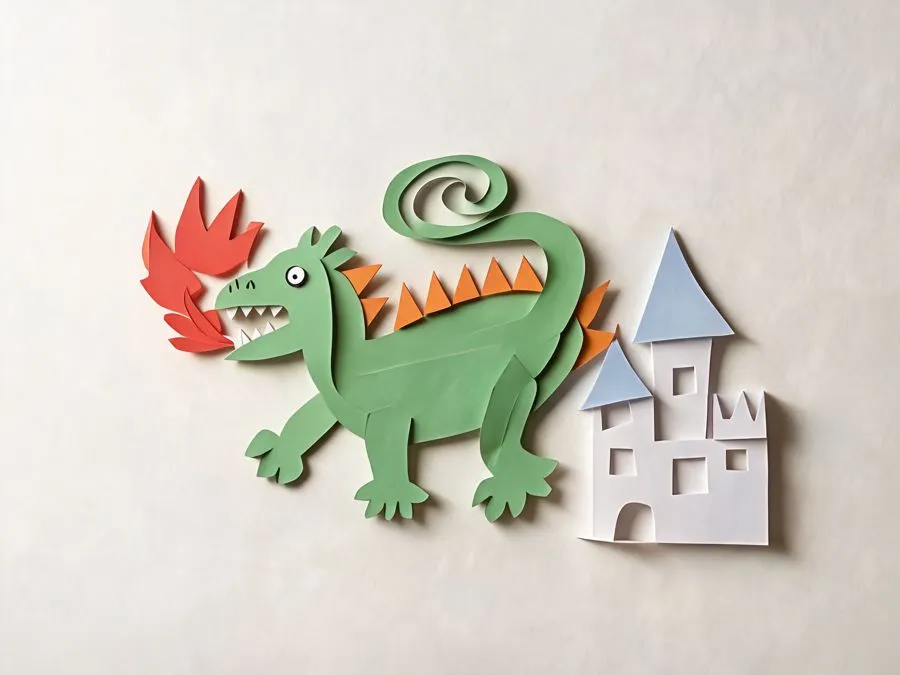
1K for 2 credits or 2K for 4. It's ready in about a minute. Download a PNG, or a side-by-side image with the original drawing on the left.
The kids drawing to video AI makes a silent 720p MP4: 5 seconds for 50 credits or 10 seconds for 96. Type what it should do, like "wave hello and jump," or leave the box empty and the AI picks a natural move. Expect about 5 minutes from upload to video. You can leave the page while it works, and the result waits in your history. The video price includes the picture.
Made a picture first and now want it to move? Press "Make it move" on that picture. It costs 46 credits, since the picture part is already done.
Lay the paper flat near a window and shoot from straight above. JPG, PNG or WebP files up to 25 MB work. The table and shadows don't show up in the result.
If part of the drawing is hard to read, add a short note, for example "the yellow blob is the sun."
Save the picture, the MP4, or the side-by-side image for the family group chat.
The AI treats your kid's drawing as the design. It changes the look, but it keeps these things:
Like any kids drawing to real life AI, it can still get things wrong. Wild scribbles with no clear shapes may be read as something else, which is where the short note helps. In the paper craft and pixel game styles, stick figures often stay thin lines. Real life also adds real texture, so a toothy monster can look scary. For younger kids, clay or 3D cartoon is a softer choice, and it's worth a quick look before you show them.
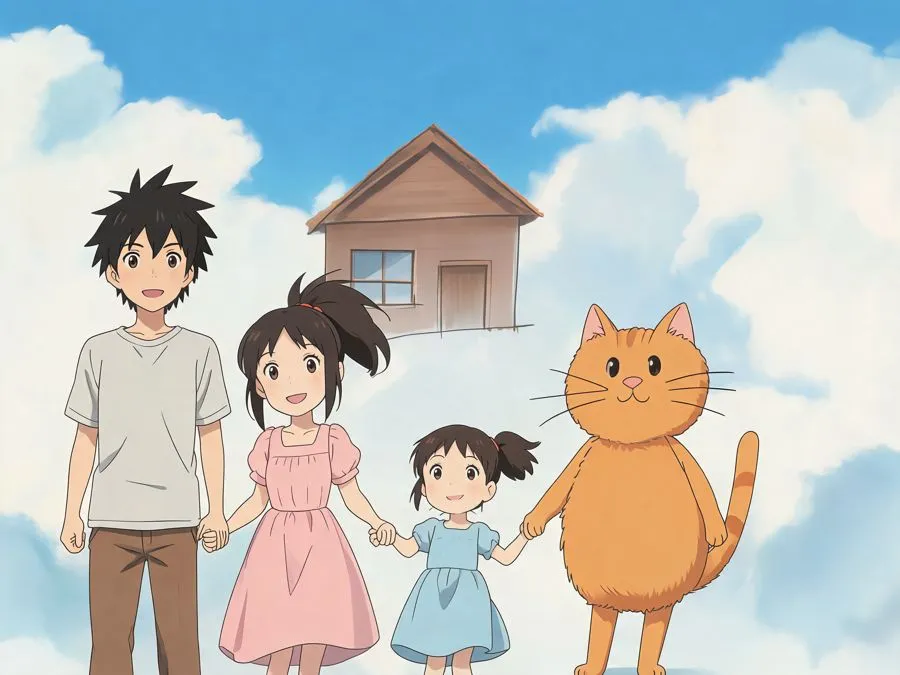
Most people start by sending the side-by-side image to grandparents, so they see the drawing and the picture together. Some print the 2K picture next to the original and frame both. You can put the picture on a birthday invitation you make yourself. Or ask your kid what the creature does next, have them draw that scene, and see their kids' drawings come to life again.
Everything you make with kids drawing to life AI is private, so only you see the drawing and the results. Everything is saved in your history, and you can delete any of it whenever you want. We don't use your uploads to train AI models. Pictures and videos have no watermark. The side-by-side image has a small mycoloring.ai mark in the corner.
You can try a picture without signing up. New visitors get 4 free credits, enough to try a picture. Videos need an account and credits. Daily check-ins add credits, and if a picture or video fails, the credits come back on their own.
The kids drawing to life page works in a phone browser, so you can take the photo and upload it from the same screen. It's the quickest way to bring kids' drawings to life without installing anything.
It keeps the characters, colors, poses and the number of parts. It adds real texture, light and a background around them. If something gets read wrong, add a note about the drawing and try again.
Yes. In real life, 3D cartoon, anime and clay, stick figures turn into people with bodies, faces and clothes. In paper craft and pixel game they often stay thin lines.
Kids drawing to life AI takes about a minute for a picture, and about 5 minutes for a video, picture included.
Yes. Open it in your history and press "Make it move." You pay 46 credits for the video part only.
It's a similar idea. Sketch to image AI and drawing to image AI apps can tidy up wobbly lines. This one keeps them, because the wobbly parts are what make it your kid's.
Real life can make teeth and claws look very real. Try clay or 3D cartoon, or add a note like "friendly and smiling."
Printing your kids drawing to life pictures at home and sharing them with family is fine. Selling them, for example on mugs or shirts, needs a paid plan with commercial use. Pricing shows which plans include it.
Only you. Results from this page never show up in public galleries, and you can delete the drawing and the results from your history.
Take a photo of the one on the fridge and try a picture free.
Bring a drawing to life