
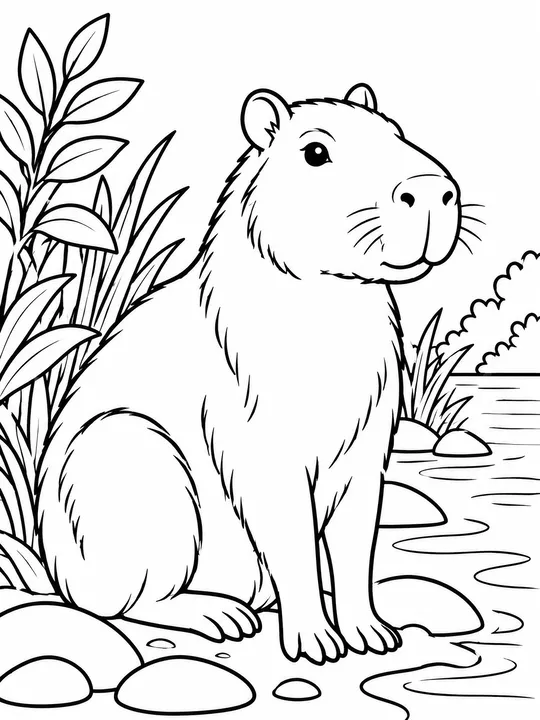
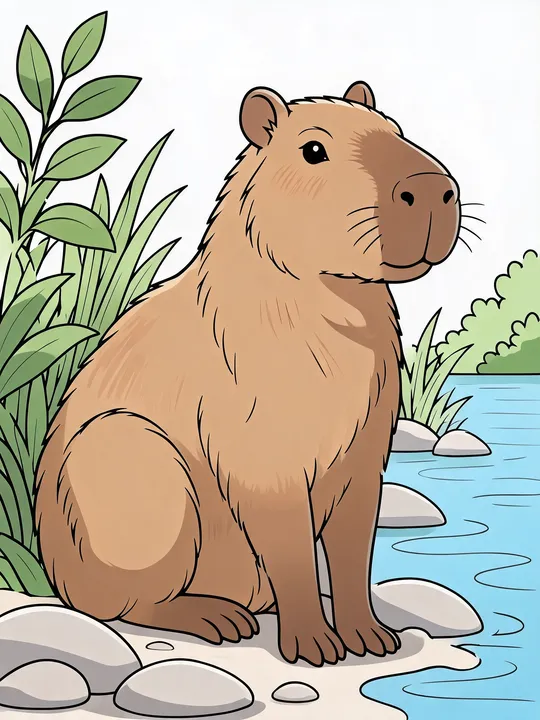
Colorize line art
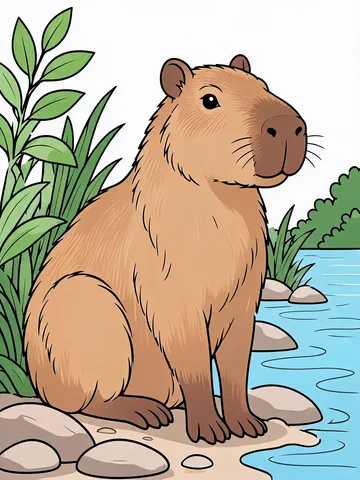
Clean outlines from a printable coloring page or digital line art get color inside the shapes.
AI auto coloring
Upload line art, a sketch, a photo of your kid's drawing or a coloring page you started. Pick a brush, add color notes if you like, and auto coloring returns a colored picture in about a minute. Your lines stay where you drew them.
Before and after, with the options we picked for each one.
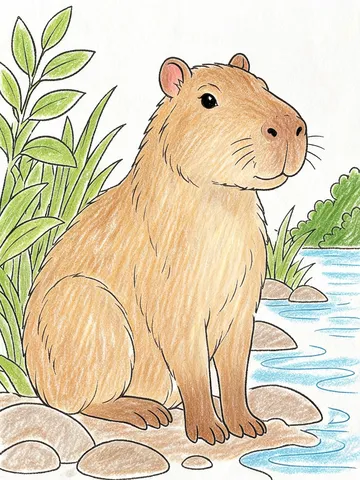
Line art, crayon brush
Four kinds of pictures that work well. Each one keeps its original lines.
Clean outlines from a printable coloring page or digital line art get color inside the shapes.
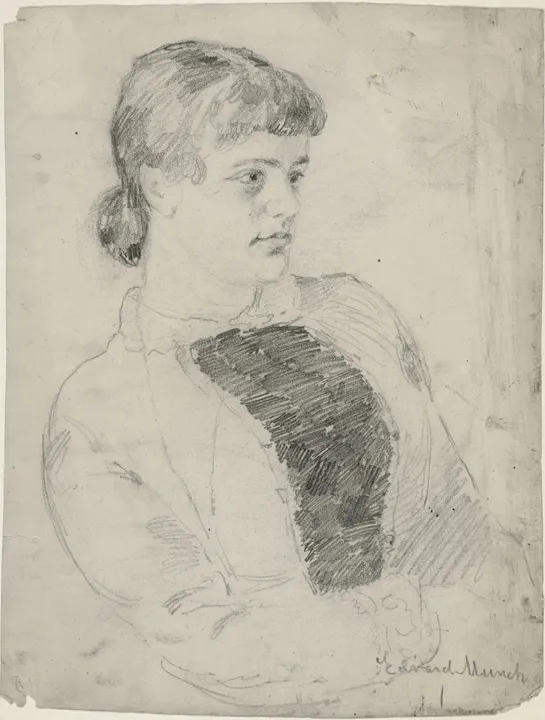
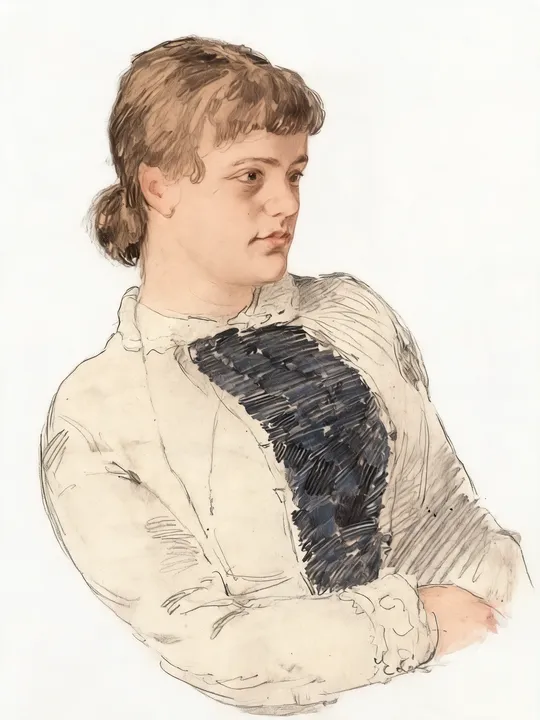
A pencil sketch keeps its shading and loose strokes, and the AI adds skin, hair and clothing colors on top of them.
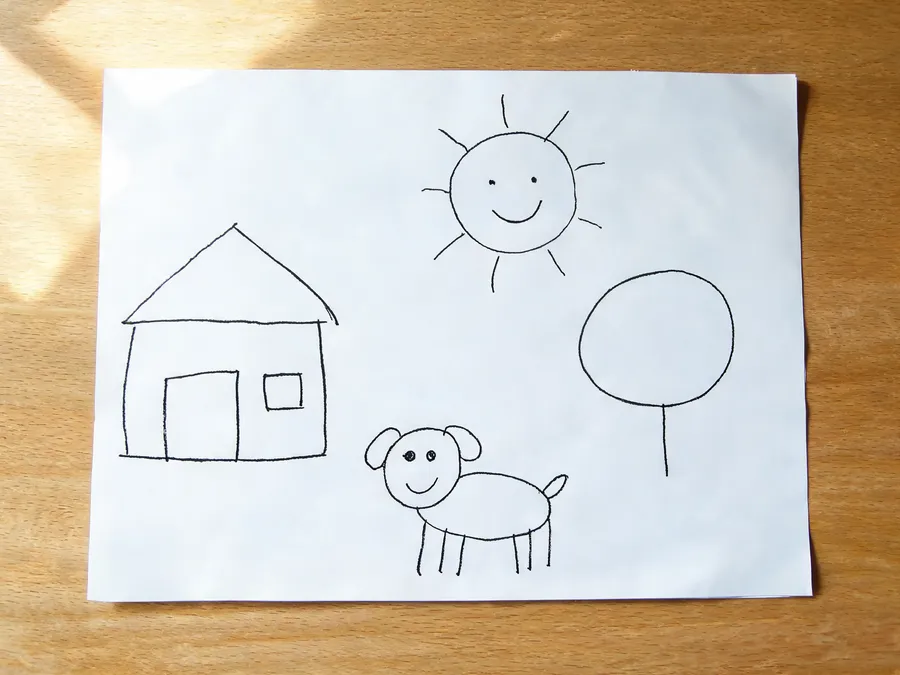
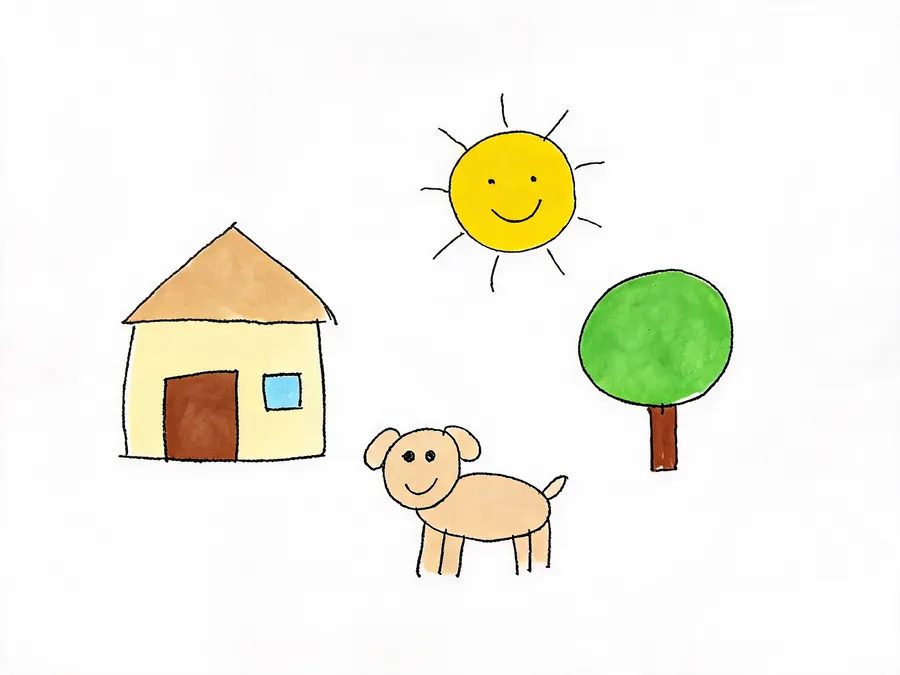
Snap a photo of the paper. You get back just the drawing, colored, without the table or shadows. The wobbly lines are still there.
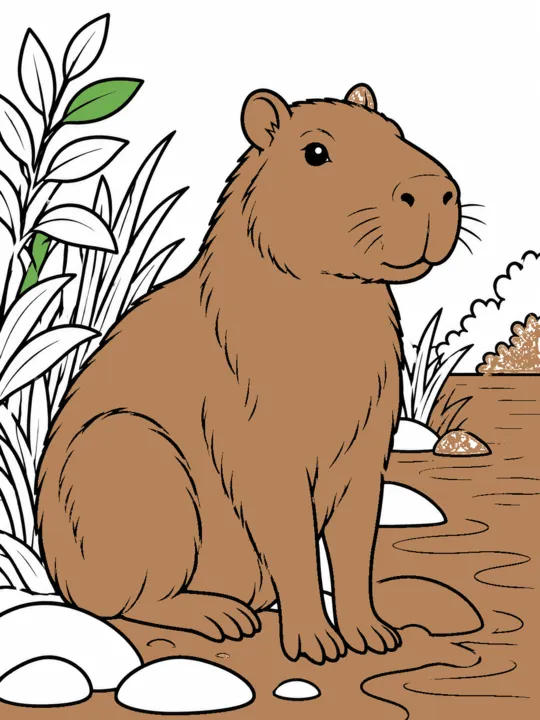
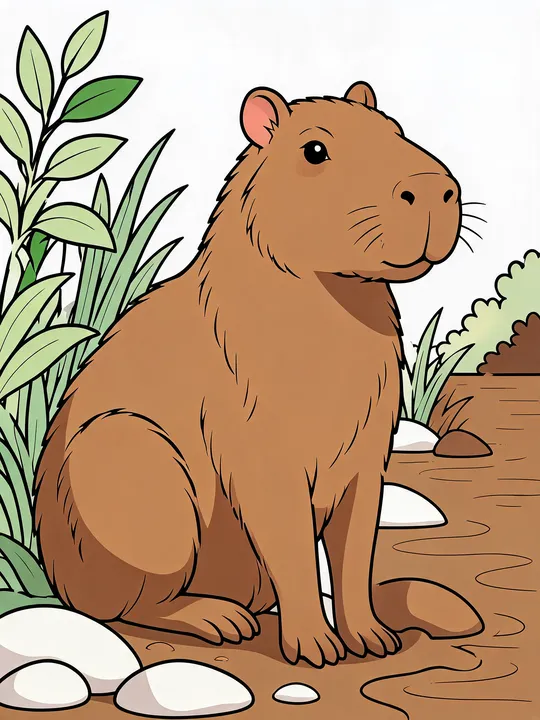
Colored halfway and ran out of time? Parts you already colored stay as they are, and the rest gets filled to match.
One drawing, five looks. Each brush changes the texture.
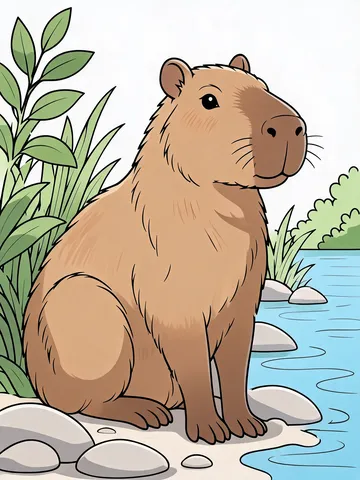
Clean digital fills with soft shading.
Waxy strokes with a little paper showing through, like a kid's crayon box.
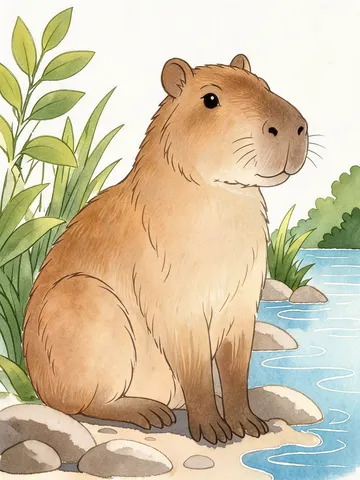
Soft washes that bleed at the edges.
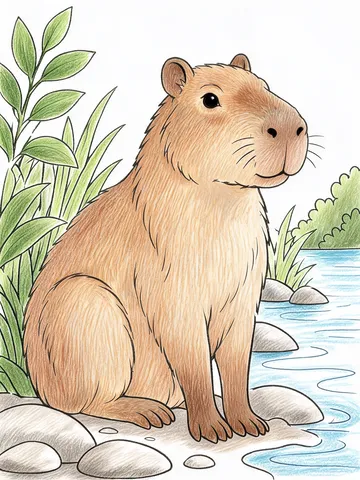
Fine strokes that layer into shading.
Solid, even color.
Three steps. Results take about a minute.
Use a JPG, PNG or WebP up to 25 MB. Photos over 4,096 pixels on the long side are shrunk for you before upload.
Pick one of five brushes. In the color notes, write something like "a pink capybara, turquoise water", or leave the box empty and let the AI pick natural colors.
Save it as PNG or PDF, or color it again with another brush.
If a result isn't right, try a cleaner photo or a simpler color note. A failed picture gives its credits back to your account automatically.
Kids bring home black-marker pictures every week. Color in drawings like the family dog or a rocket ship, then print one for the fridge and a few for grandparents.
Show the class a colored example of the worksheet before they start, so kids see what "done" looks like.
Colorize a sketch to try a few color schemes before you spend hours coloring line art by hand.
Make a colored cover or a "see it colored" sample page for each design. To sell them, use a Premium or Business plan.
You can try it free without signing up. After that, each picture uses credits: 2 for Basic (1K) and 4 for Standard (2K). Results never carry a watermark.
Line art, coloring pages, pencil sketches, photos of kids' drawings and pages you already started coloring. Upload a JPG, PNG or WebP up to 25 MB.
The AI is told to keep your lines in place, and in our tests it did. Very faint lines and tiny details are where small changes show up, so check the result before you print a big batch.
Yes. Write color notes like "red roof, yellow sun, purple dress", up to 200 characters. Leave the box empty for automatic coloring with natural colors.
Take a photo from straight above in daylight, with the whole page in frame. The AI colors the drawing and leaves out the table and shadows.
Yes. Pencil, pen and digital sketches all work. Your shading stays and color goes on top, so it's a quick way to preview colors.
Pictures made on a Premium or Business plan can be used commercially. Other plans are for personal use. Only upload drawings you made or have the right to use.
No. This tool does line art colorization for drawings. For black-and-white photos, use a photo colorizer.
Your uploads and results show up in your own history, and colored results never appear in our public gallery.
Try AI auto coloring free on your next drawing. No sign-up needed for the first one.