
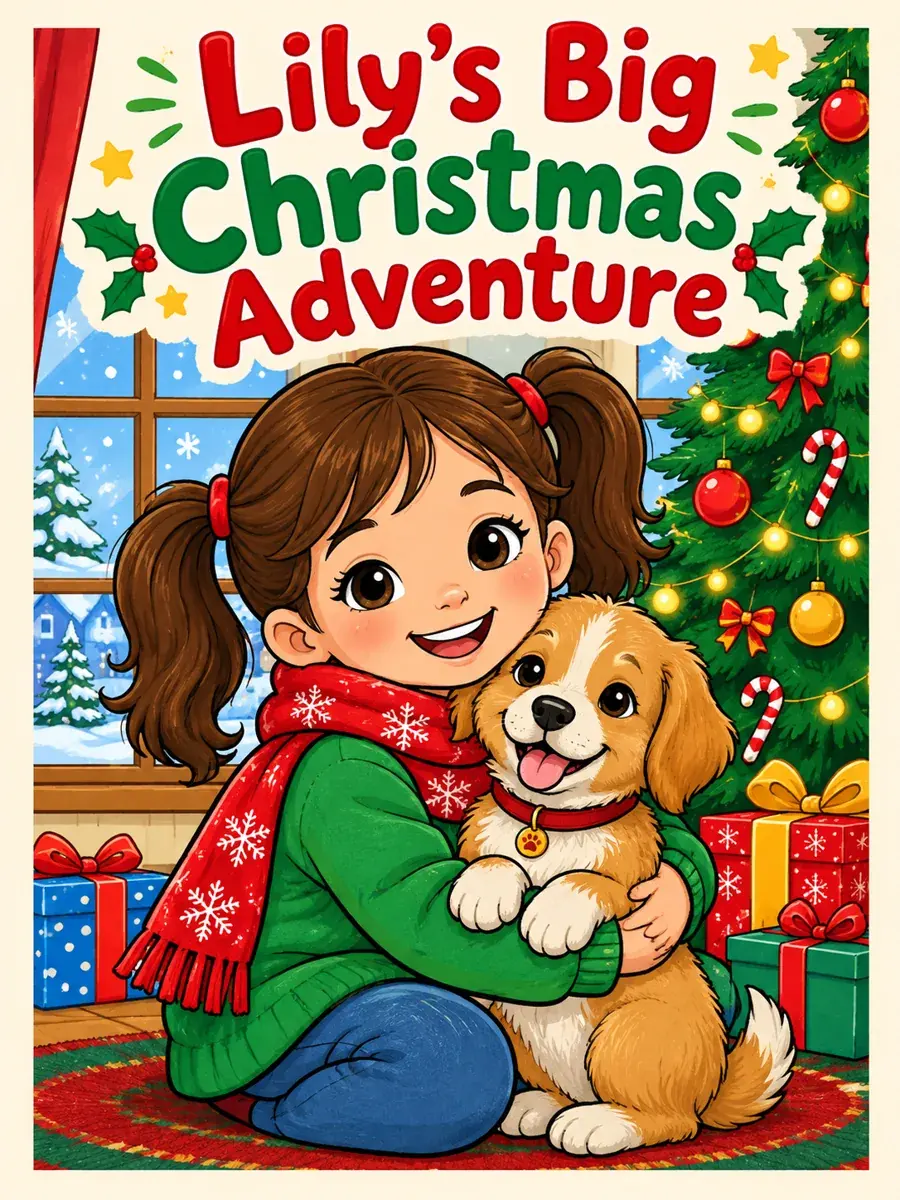
Christmas story starring your kids
Decorating the tree, baking cookies and waiting for Santa.
Enter one story idea or theme and create a complete printable coloring book with custom page counts up to 40 pages, consistent art style, reusable characters, a colored cover, PDF download, and no watermark.
Built for parents, kids, teachers, gift makers, and KDP creators who need a real book instead of disconnected one-off pages.
Open complete books generated in the studio, with the actual style, ratio, page count, cover, and finished pages shown directly.
Add your child's name, describe them or upload a photo, and they become the hero of every page. Parents make these for birthdays, holidays and road trips.
Pick an idea and we fill in the coloring book maker for you. You still choose the characters, pages and style step by step.
Decorating the tree, baking cookies and waiting for Santa.
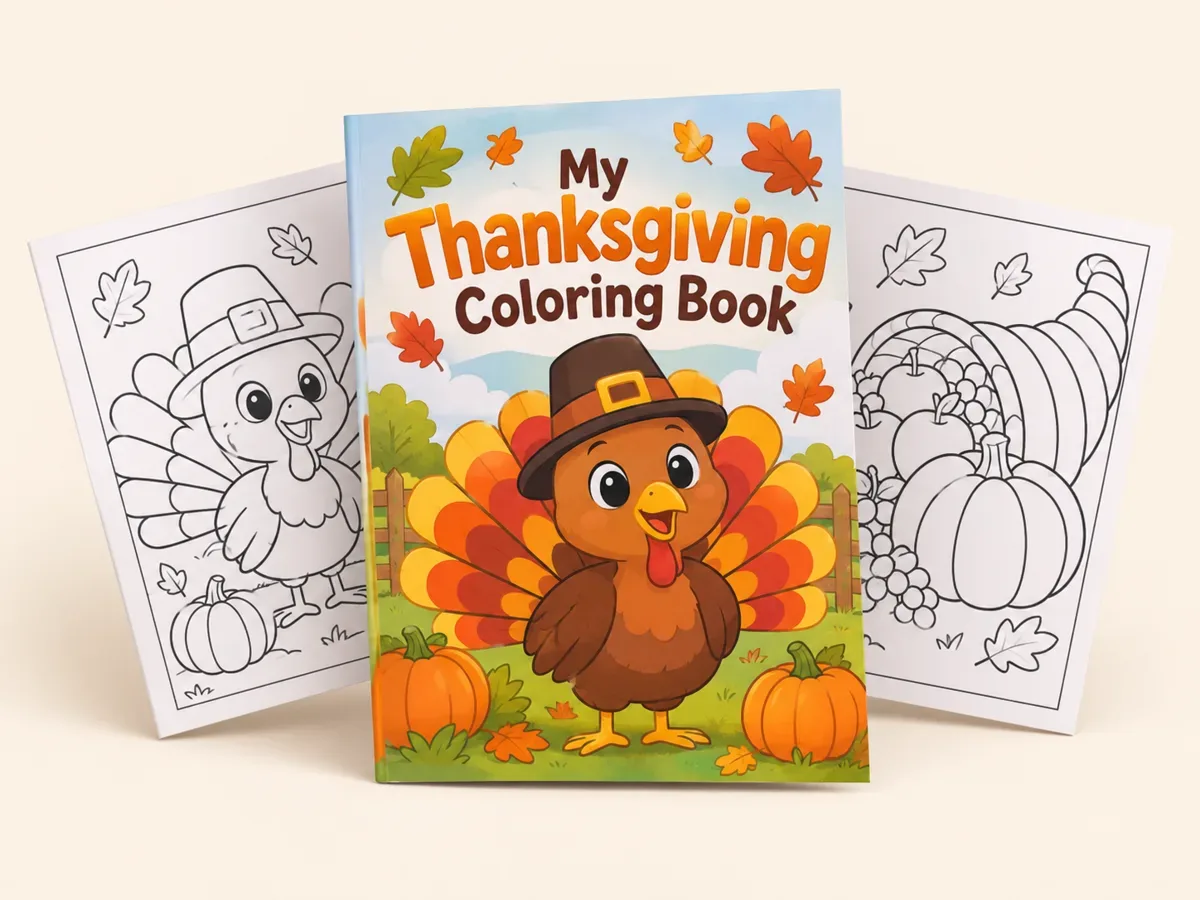
Turkeys, pumpkins, family dinner and thankful pages.
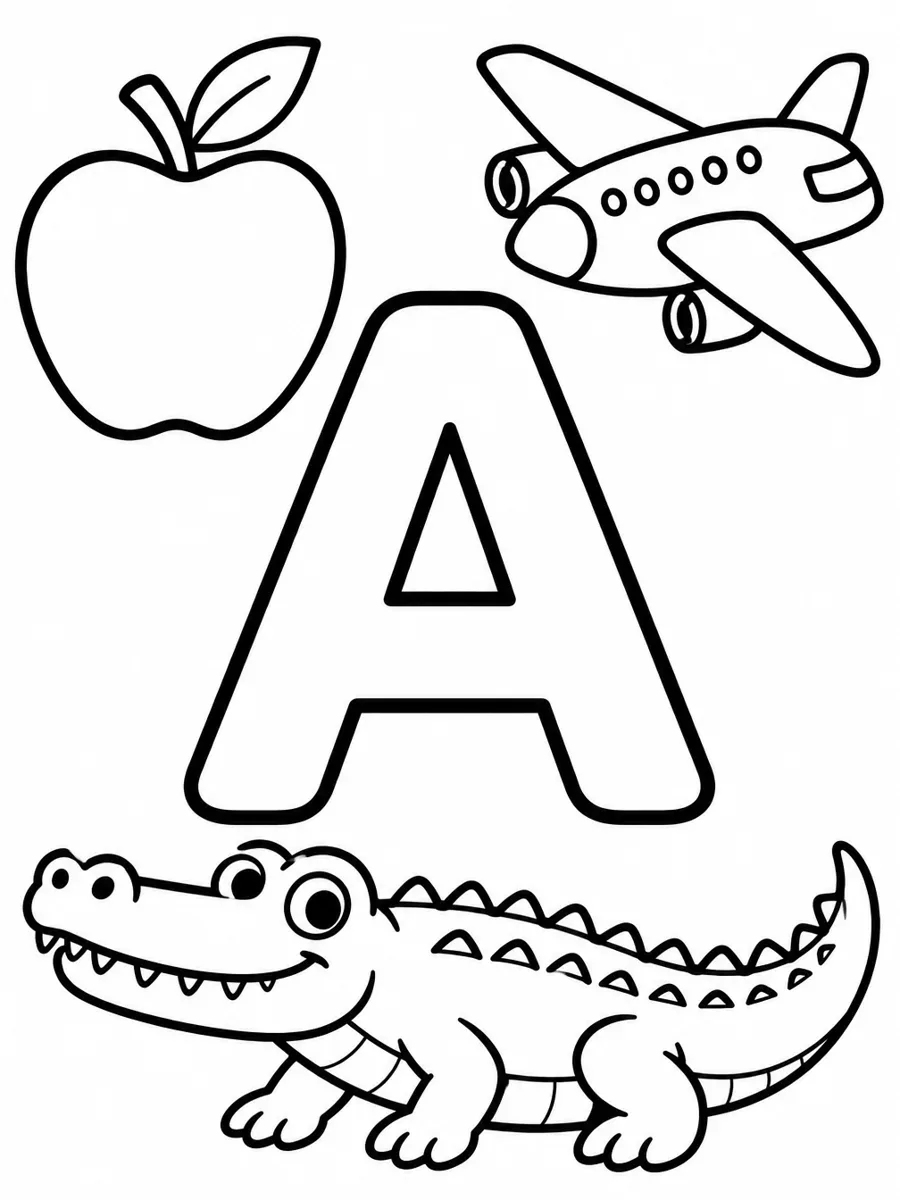
One big letter per page with things that start with it.
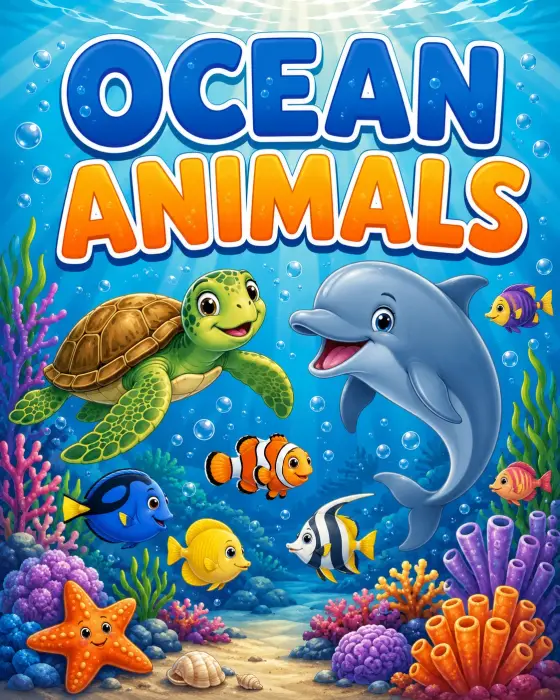
Fruits, sea animals, dinosaurs or trucks, 10 to 40 pages.
Skip the one-page-at-a-time workflow. Describe the book once, review the plan, then generate the cover and all inner pages together.
Start with a theme like ocean animals, a cozy cafe, or a story starring your child, pet, or favorite character idea.
Set custom page counts up to 40 pages, pick a style, and choose Theme Mode for a cohesive collection or Story Mode for consistent characters.
Create a complete print-ready coloring book plus a colored cover, then download your book as a PDF with no watermark.
Add a line of story under every page and a title with a personal note on the cover. Once the pages are colored in, your child has a picture book that is all theirs.
Prefer pictures only? Leave captions off for a text-free book.
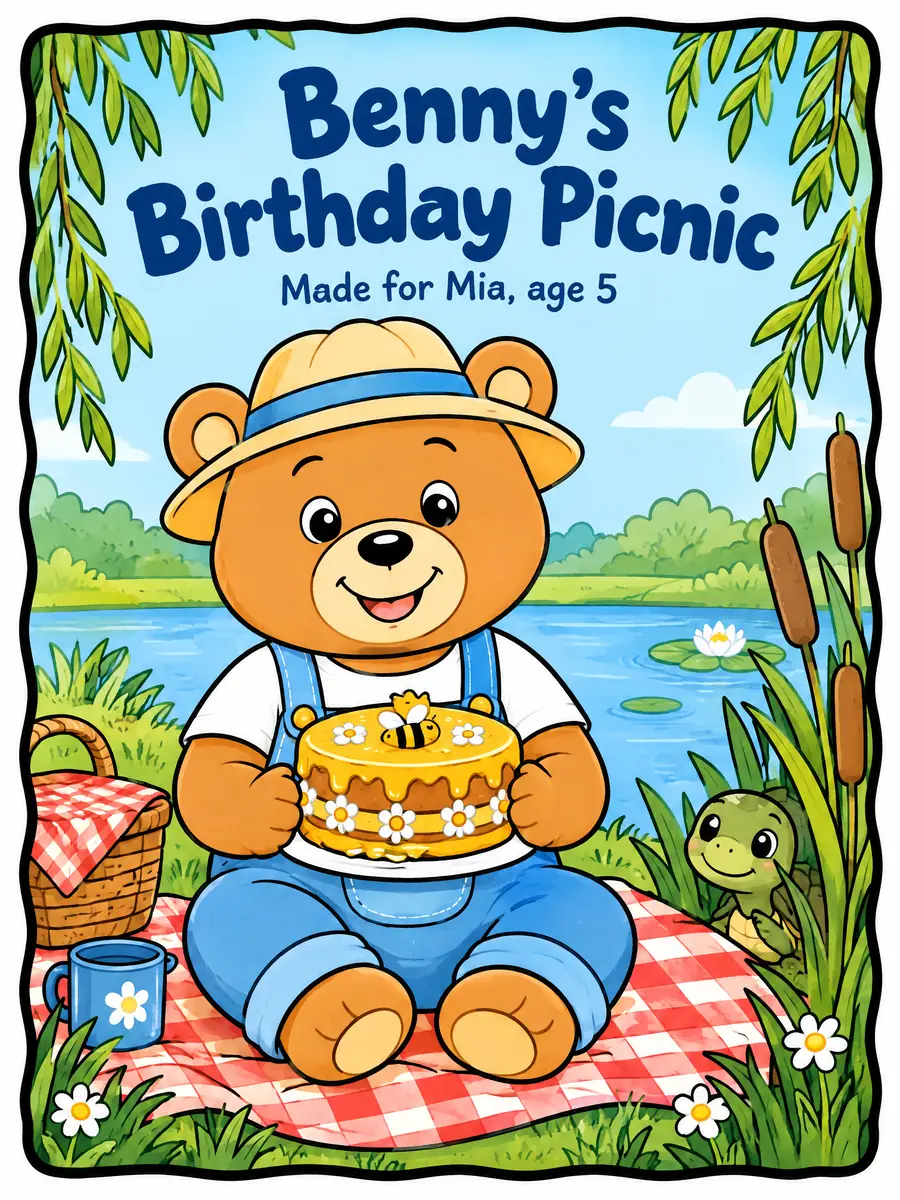
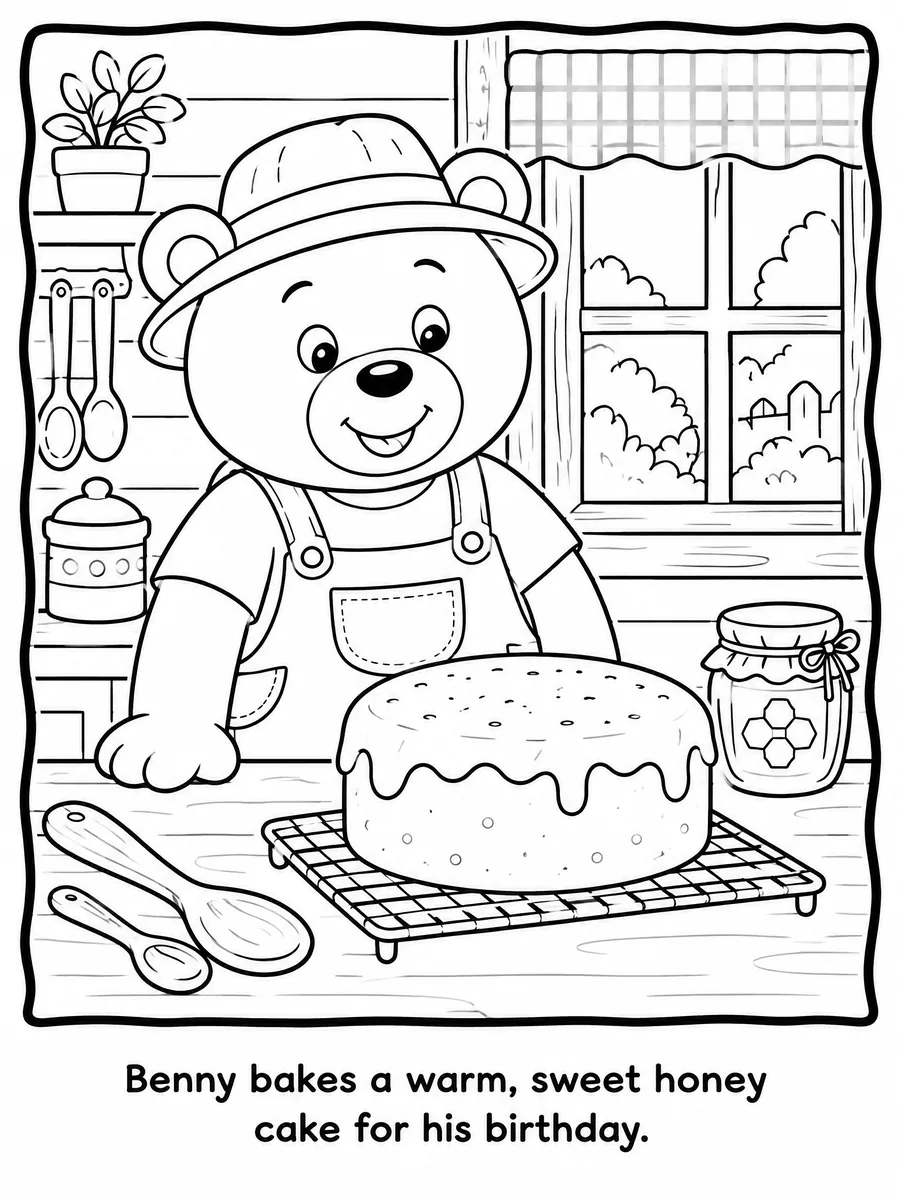
Most AI coloring page generators are designed around single images. MyColoring.AI is built around complete books: consistent pages, reusable characters, cover generation, and export workflows.
| Feature | AI Coloring Book Generator from MyColoring.ai | Typical AI coloring page tools |
|---|---|---|
| Complete book generation | Generate a full coloring book from one idea with custom page counts up to 40 pages. | Usually focused on single pages or small batches that must be assembled manually. |
| Consistent art style | Theme Mode keeps line weight, detail level, and visual style consistent across the book. | Pages can look disconnected because each prompt is handled separately. |
| Story Mode | Create a narrative outline and keep the same characters appearing throughout the book. | Story structure and page-to-page continuity are usually not part of the workflow. |
| Reusable characters | Create characters from text or image references and reuse them in future books. | Character identity often has to be recreated or re-prompted for each generation. |
| Colored cover | Generate a full-color cover that matches the book concept and inner-page style. | Cover creation is often missing or requires a separate manual tool. |
| Words on every page | AI writes a line for each page and a cover subtitle; edit or delete any of them before you generate. | Usually text-free images; adding words means a separate design tool. |
| Publishing workflow | Download a no-watermark PDF made for printing, gifts, classrooms, and your own KDP projects. | Exports are often individual image files that need extra layout work before publishing. |
From a quick printable gift to a collection for your KDP project, the workflow is built for books instead of isolated coloring pages.

One prompt, every page, cover included

Kid-friendly, cozy, or detailed

From text, image, or both
Create personal keepsakes, classroom materials, relaxing books, party favors, or publishable coloring collections.
Make a personalized story coloring book starring your child, pet, toy, or favorite character example like Bluey.
Make coloring books for your KDP listings with consistent style, a colored cover, no watermark, and PDF download.
Generate themed printable books for lessons, activities, holidays, or classroom rewards.
Build cozy, detailed, or relaxing coloring books around gardens, cafes, animals, patterns, and more.
Turn weddings, birthdays, family stories, and party themes into custom printable coloring books.
Answers about page counts, downloads, commercial use, no watermark, KDP, and character consistency.
An AI Coloring Book Generator turns a story idea, theme, or character concept into printable coloring book pages. MyColoring.AI goes further by generating complete multi-page books with consistent style, reusable characters, a colored cover, PDF download, and no watermark.
You can create custom page counts up to 40 pages. This works for short kids' books, classroom packs, gifts, and longer KDP-style coloring book projects.
Yes. Commercial use comes with the Premium plan and up, and books download as no-watermark PDFs with a consistent style and a colored cover. The PDF uses A4 pages, so check KDP's trim size and bleed requirements before you upload.
Theme Mode creates a cohesive collection around one subject, such as ocean animals or cozy cafes. Story Mode creates a narrative and keeps the same character or cast consistent from page to page.
Yes. You can upload an image reference or describe a character in text, then reuse that character across a story coloring book or future projects.
Yes. Tick "Add captions" in book settings and the AI writes one short line for each page and a subtitle for the cover, in the language you wrote your idea in. You can edit or delete any line (up to 120 characters) before you generate, and pages without a caption stay text-free. The words are drawn into the artwork, so they cannot be changed after the book is generated.
No. Generated coloring books can be downloaded without a watermark, including PDF export for printing, sharing, gifts, classrooms, or publishing.
Yes. Write your child's name into the story idea or the book title, and create a character from a photo or a short description so the same child appears on the cover and on every page. Turn on Add captions if you also want their name in the short text under each picture.
Download the book as a PDF and print it on any home printer. The PDF uses A4 pages, so on US Letter paper choose "Fit to page" or "Scale to fit" in the print dialog. Slightly thicker paper keeps markers from bleeding through.
Usually from a few minutes to about 15 minutes, depending on the page count and how busy the image service is. Pages appear one by one while they are drawn. If a page fails, it is retried automatically, and its credits are refunded if it still fails.
One idea can become a complete printable coloring book with consistent style, characters, a cover, PDF download, and no watermark.