
Details that leave room for you
Realistic Sketch turns visible features into fine black lines on white. Add your own pencil shading after printing, or leave the outline as a simple drawing.
A fresh way to see your photos
Turn a favorite photo into a clean, detailed outline sketch. Start with a portrait, a pet or a place you love, then download a drawing you can print, give as a gift or color your own way.
Made for crisp black-and-white line work, with open spaces instead of pencil shading.
Explore photo-to-line-art examples from MyColoring.AI. These illustrations show possible looks; your result will depend on the photo and settings.
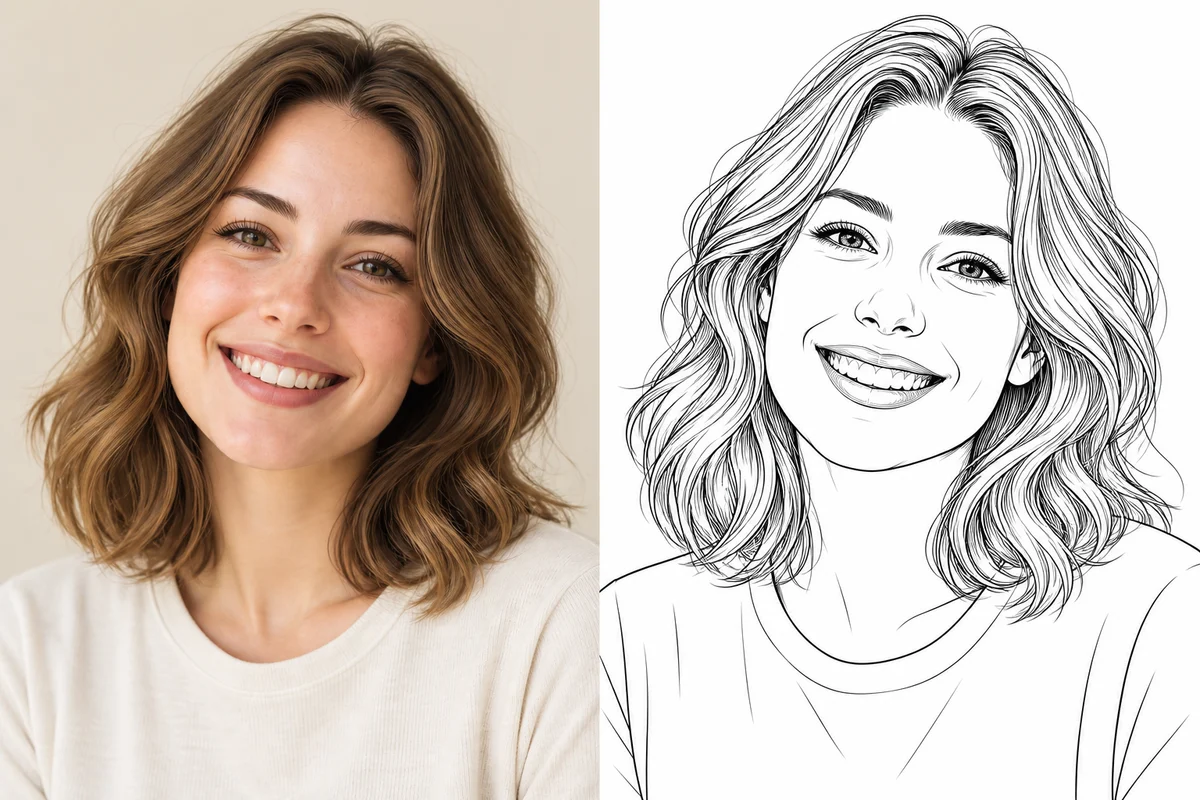
Portrait Photo to Sketch
Explore photo-to-line-art examples from MyColoring.AI. These illustrations show possible looks; your result will depend on the photo and settings.
One upload, a style that fits, and a drawing ready for your next idea.
Choose a JPG, PNG or WebP image up to 10 MB. A well-lit subject and an uncluttered background give the AI more useful detail to work with.
Realistic Sketch is selected for detailed line work. Try Minimalist Outline for fewer details, or turn on background cleanup to give the subject more space.
Open the finished image in your results. Save a PNG for digital projects or a PDF for printing. Want to add color? Open the drawing in our online coloring tool.
Keep the subject that matters, then take your drawing beyond the screen.
Realistic Sketch turns visible features into fine black lines on white. Add your own pencil shading after printing, or leave the outline as a simple drawing.
Keep the surroundings for a scene with a story. Use background cleanup when a portrait, pet or flower deserves the whole page.
Choose PNG for sharing and digital layouts, or PDF for a printable page. The generated image has no added MyColoring watermark.
Start with the pictures already on your phone. Each subject brings something different to an outline drawing.
Give a selfie or headshot a fresh look for an avatar, a card or a drawing exercise. Choose a sharp photo with visible eyes and even lighting so the main facial features are easy to read.
Try: a close portrait with a simple background.
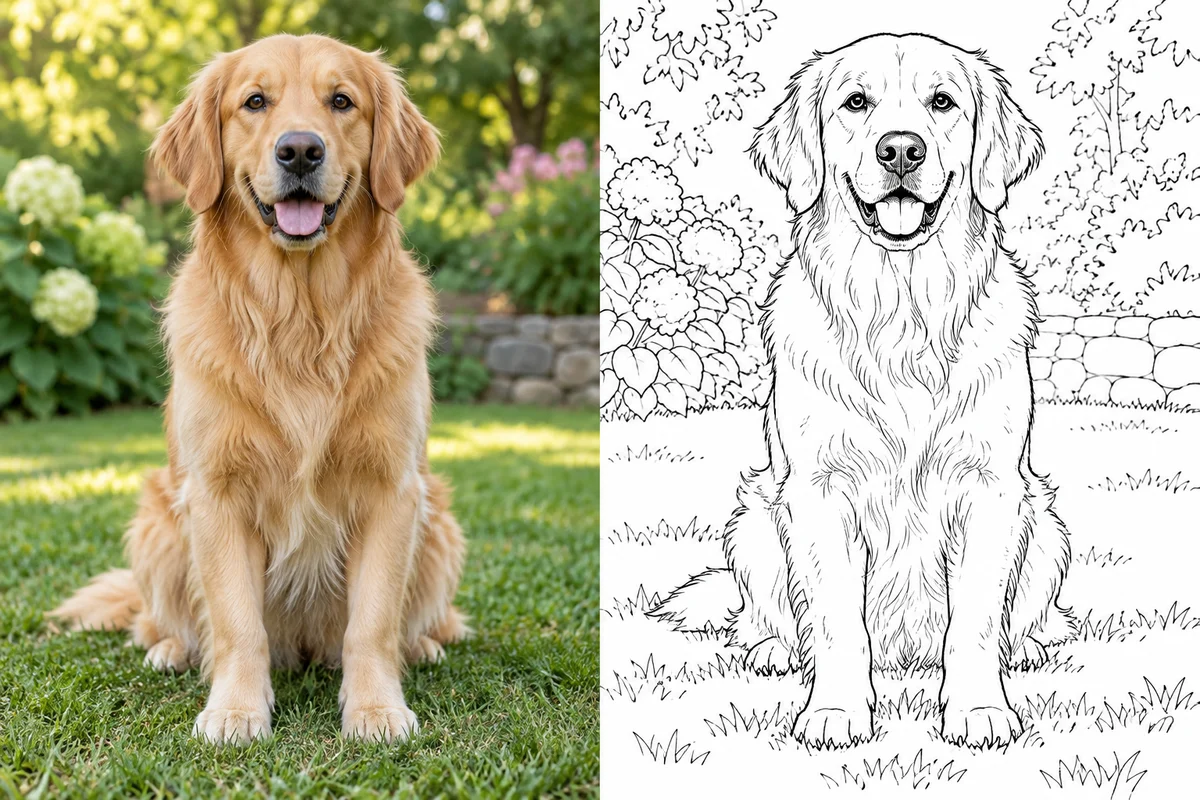
Turn a dog, cat or other companion into a personal keepsake. Clear eyes, distinctive ears and visible markings help a pet sketch feel familiar; a still photo works better than a blurry action shot.
Try: a seated pet photographed at eye level.
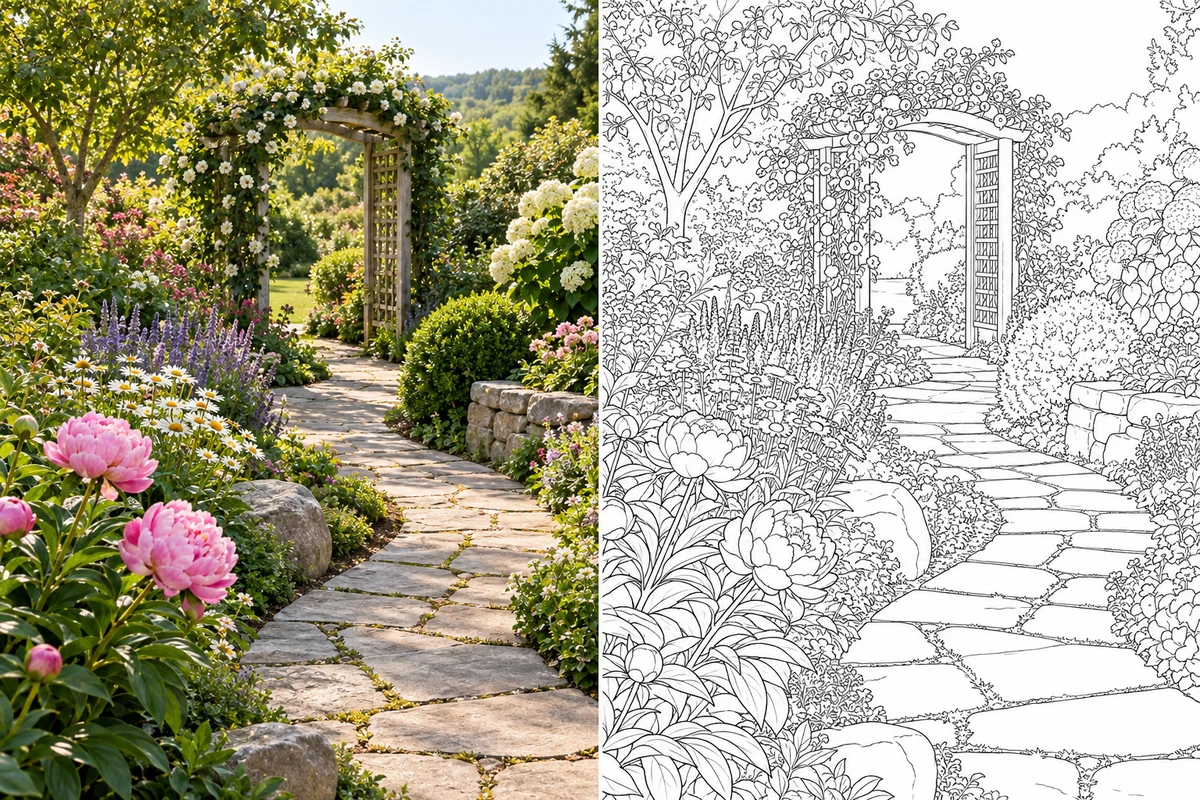
Rediscover a mountain view, a quiet beach or a garden path as line art. Keep background cleanup off to retain the setting, and choose a scene with a strong foreground rather than tiny distant details.
Try: a garden path with a clear focal point.
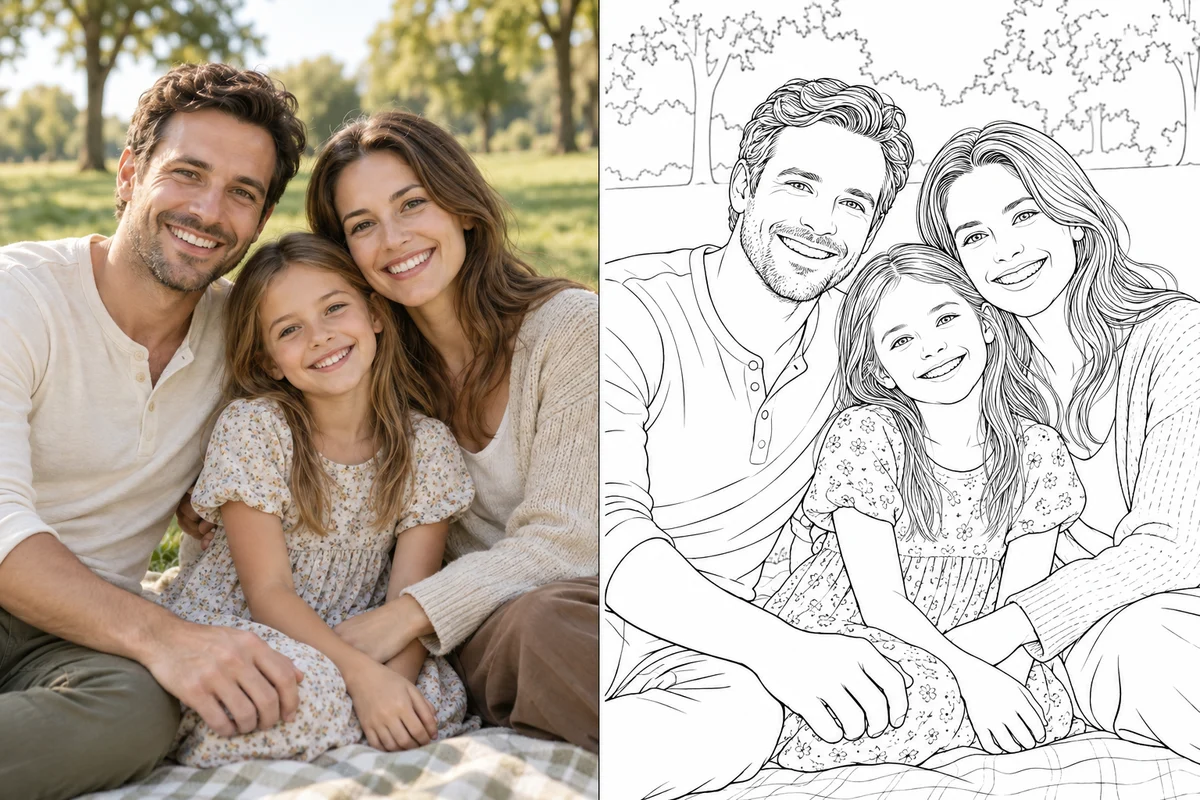
Make an outline drawing from a shared moment for a scrapbook or a handmade gift. Choose a small group with clear faces and enough space between people; crowded photos can lose individual detail.
Try: a relaxed family portrait in daylight.
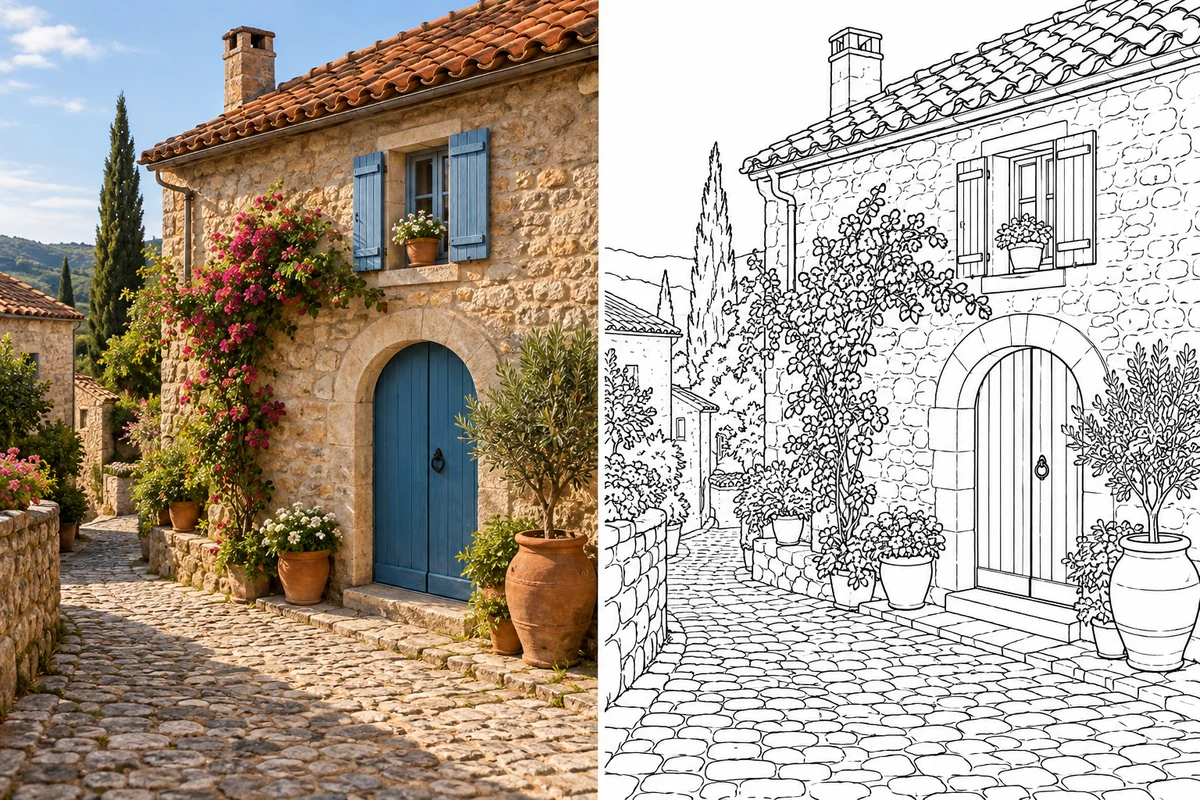
Turn a favorite building or holiday scene into a sketch for a travel journal. Doorways, rooftops and recognizable silhouettes translate into useful drawing references without needing a full set of art supplies.
Try: a landmark framed without a crowd.
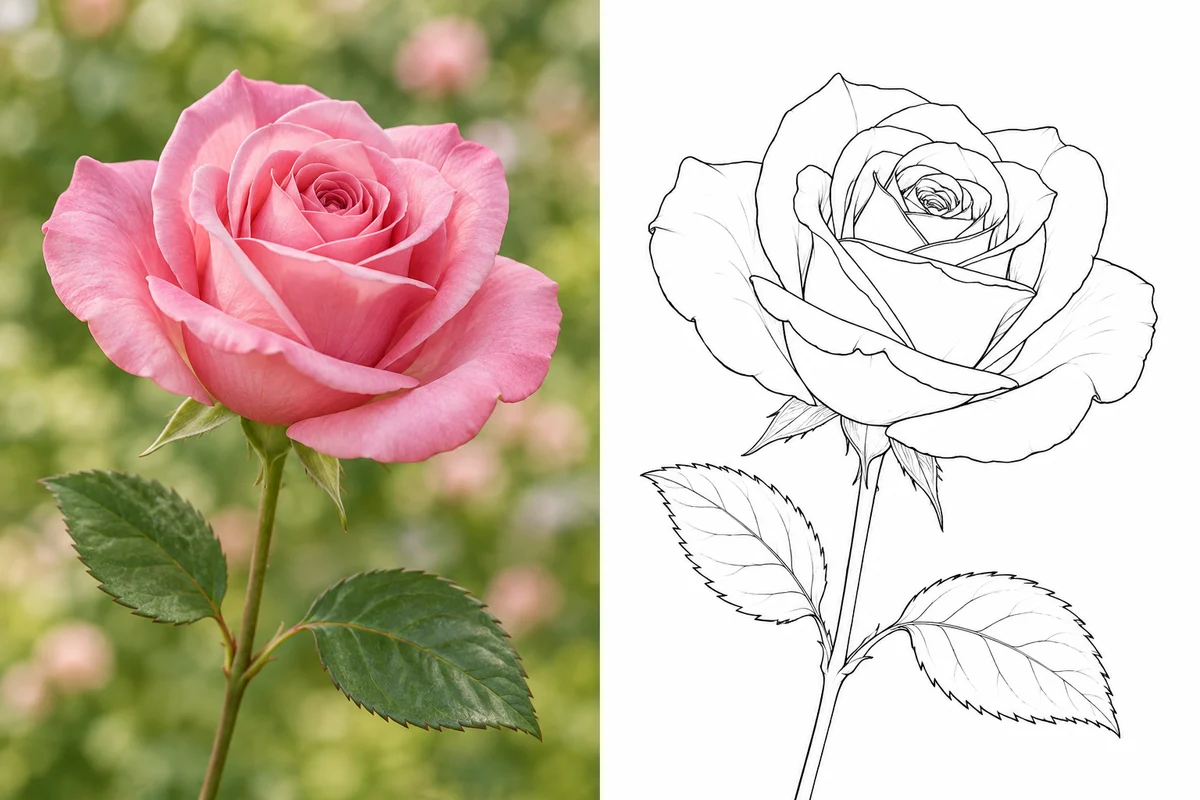
Use a rose, bouquet or garden bloom as the starting point for a botanical drawing. The open outlines leave room to explore petal colors or practice shading by hand after printing.
Try: one bloom with petals in sharp focus.
Upload a photo in the tool above, keep Realistic Sketch selected and generate your image. Preview the result before downloading a PNG or PDF. You can change the style and generate another version when you want a different outline.
This tool creates an AI outline sketch: black lines on a clean white background. It does not create graphite texture, soft shadows or grayscale pencil shading. For a pencil drawing exercise, print the outline and add those details yourself.
The tool supports a limited free trial. Check the allowance and credit cost shown in the generator before starting. Availability depends on your account and current trial limits; additional generations may require credits.
Sharp portraits, pet photos, flowers and scenes with clear shapes are good starting points. Use JPG, PNG or WebP up to 10 MB. Avoid very dark images, heavy blur and large groups with tiny faces.
Yes. Download PNG for image use or PDF for printing from the result controls. Choose a resolution suited to the size you plan to print, and check the preview before making multiple copies.
AI uses the photo as a reference and can reinterpret fine details. A clear image helps, but perfect likeness, exact lettering and identical details are not guaranteed. Preview the result and try another photo or style if needed.
Yes. The output is black-and-white line art with open areas that you can color. Print it for pencils or markers, or use the online coloring action in the result panel.
MyColoring.AI does not add a watermark to generated images. Upload images you have permission to use and check the applicable terms before using a result in a commercial project.
From the face in your favorites to the place you want to remember, your next sketch starts with one photo.