A focused online coloring editor for filling large areas, brushing details, fixing mistakes, saving progress, downloading artwork, and printing when you are done.
Click or tap to fill large areas
Use brush tools for small details
Erase mistakes without restarting
Undo and redo creative choices
Save progress in your browser
Download finished artwork
Print pages or completed pieces
Zoom and pan on any device
Creative control
More Than a Basic Online Coloring Tool
MyColoring.ai turns online coloring into a complete creative workflow: choose a page, color online with flexible tools, create custom pages, and keep a printable result.
Free Online Coloring
Start coloring online with no setup.
No app download and no account required to get started
Works on phone, tablet, and desktop
Simple click or tap workflow for first-time users
A focused interface that keeps attention on the page
Brushes, Fill Styles, and Color Online Controls
Go beyond flat fills when you want more personality.
Solid, Gradient, Glow, Dots, Stripes, and Speckles fill styles
Pencil, Spray, Highlighter, and Watercolor brush options
Easy for playful kids art and flexible for detailed sessions
Switch between quick coloring and textured results
Create a Page, Then Start Coloring Online
A stronger workflow than a typical online coloring book.
Start from the library or create your own image first
Turn ideas into pages without switching tools
Useful for parents, teachers, and creators who need themes fast
More flexible than a fixed coloring book online experience
Save, Print, Download, and Share
Keep your finished work however you want.
Save progress and continue later
Download finished artwork to your device
Print pages or final creations for offline coloring
Share finished pieces with family, students, or friends
How Online Coloring Works
Start with an online coloring book, add colors with simple tools, then save, download, or print your finished artwork.
1
Choose or Create a Page
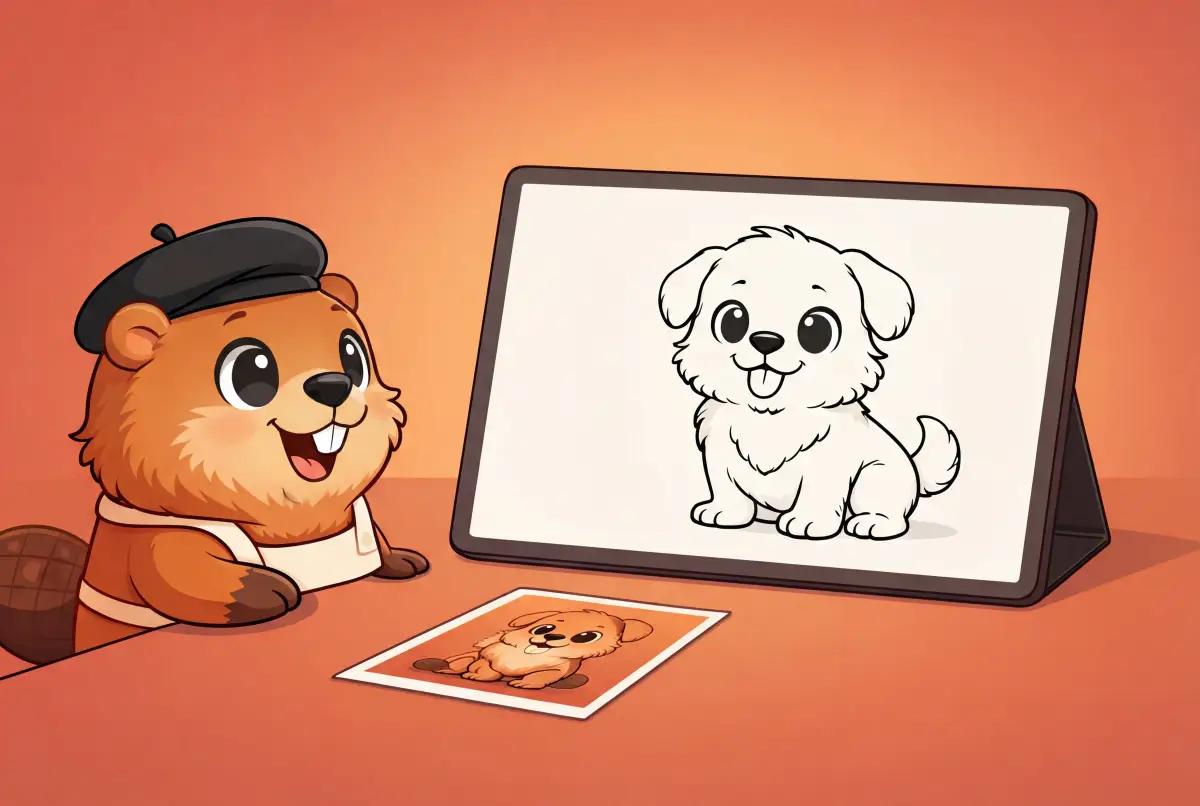
Open a ready-made coloring book online, upload your own line art, or create a new coloring page from text or a photo.
2
Start Coloring Online
Use fill, brush, eraser, undo, gradients, dots, stripes, and watercolor-style tools to color online with more control.
3
Save, Download, or Print
Save progress in your browser, download the finished artwork, or print your online coloring result for offline use.
Quick answers about free online coloring, coloring online on different devices, and using MyColoring.ai as an online coloring book.
Is online coloring free on MyColoring.ai?
Yes. You can start free online coloring without paying upfront. Pick a design, choose colors, use fill or brush tools, then download or print your artwork.
How do I start coloring online?
Choose a ready-made page, upload line art, or create a new page with AI. Then select a color and use the fill, brush, eraser, undo, save, download, or print controls.
Is this an online coloring book?
Yes. MyColoring.ai works as an online coloring book with starter pages, uploaded line art, and AI-created pages. You can color online first, then save, download, or print.
What makes this different from a basic coloring book online?
Many coloring books online only offer a fixed page and simple colors. MyColoring.ai adds fill styles, brush types, saved progress, download and print options, plus the ability to create a page before coloring online.
Can adults use online coloring on MyColoring.ai?
Yes. Online coloring for adults works well with detailed artwork, calm designs, gradients, watercolor-style brushes, and saved progress for longer sessions.
Can kids use online coloring on MyColoring.ai?
Yes. Online coloring for kids is simple: pick a page, tap a color, fill areas, or use the brush. Parents can keep it digital for low-mess play or print pages afterward.
Can I save progress, download, print, or share online coloring artwork?
Yes. You can save progress in the current browser, download finished artwork, print pages for offline use, and share completed pieces with family, students, or friends.
Can I create my own page and then use online coloring?
Yes. Create a custom coloring page from text or a photo, then move straight into online coloring without switching tools.
Can I upload my own picture to color online?
Yes. Upload a PNG or JPG line-art image. Clear black-and-white outlines work best for bucket fill, while softer scans can still work with brush tools and tolerance controls.
Can I color online with friends?
Yes. With Color Together you start a free live room, send a link or a 6-digit room number, and color the same page at the same time. Friends join without an account.
Start Free Online Coloring Today
Open an online coloring book, choose your colors, and create printable artwork with MyColoring.ai.